SingleTone › Instagram Story collage
Instagram Story collage maker for photos and videos
Spread a set of photos over one or several 9:16 Stories, each with its own layout. Because the photos are matched first, every Story in the series has the same tone.
Make a StoryFree · no sign-up · nothing uploaded
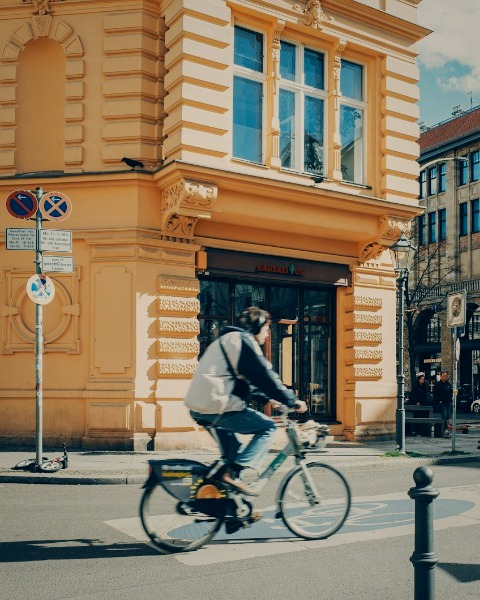

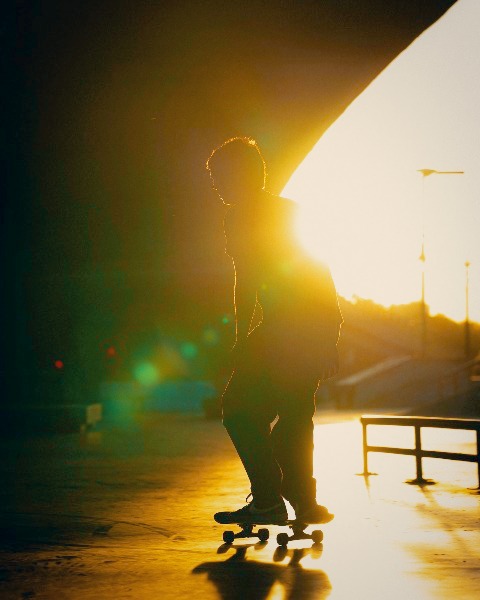
How to make a Story collage
- Add your photos, and videos if you like, up to 10 in a set.
- Open Story, pick a layout, then tap a slot and choose a photo. Drag to frame it, pinch to zoom.
- Export at 1080×1920 or 2160×3840, share it, or send it to your phone.
What you can do
Eleven layouts
From one full photo to grids of six, with a background, spacing and corners to choose.
Several Stories from one set
Spread the photos over as many Stories as you like; a photo can be in more than one.
Videos in a Story
A Story with a video becomes an MP4 at 1080×1920, as long as its longest clip (up to a minute), with the sound of the video you choose.
Colour kept
Photos keep their Display P3 colour in the Story.
Questions
What size is the Story?
1080×1920, the size Instagram uses, or 2160×3840 for extra sharpness.
Can I put a video in a Story?
Yes. Shorter clips loop, and the Story is exported as an MP4.
Does it work on a phone?
Yes. On a phone the Story maker opens full screen, and the share sheet sends the result to Instagram or your gallery.
Is there a watermark?
No. It is free, with no sign-up and nothing added to your Story.
Free · no sign-up · nothing uploaded
Make a Story