SingleTone › Edit multiple photos at once
Edit multiple photos at once
SingleTone is made for sets: the photos from one evening, one trip, one shoot. Every edit can go to all of them at once, and every photo can still be adjusted on its own, so you never do the same thing ten times.
Start editingFree · no sign-up · nothing uploaded
As shot
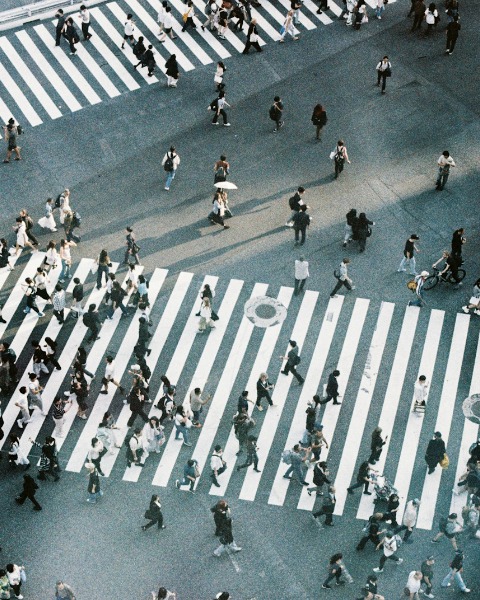
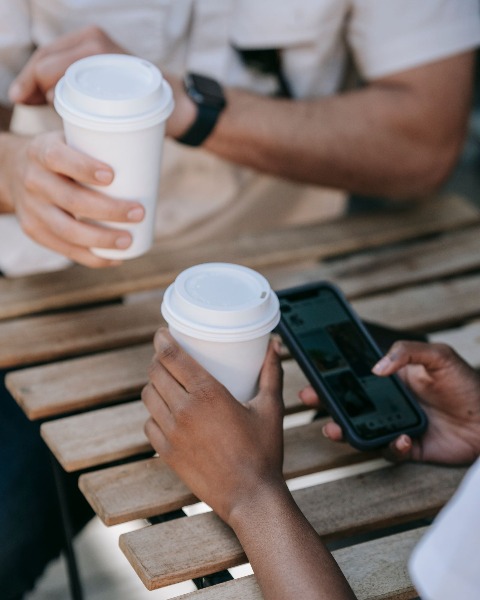
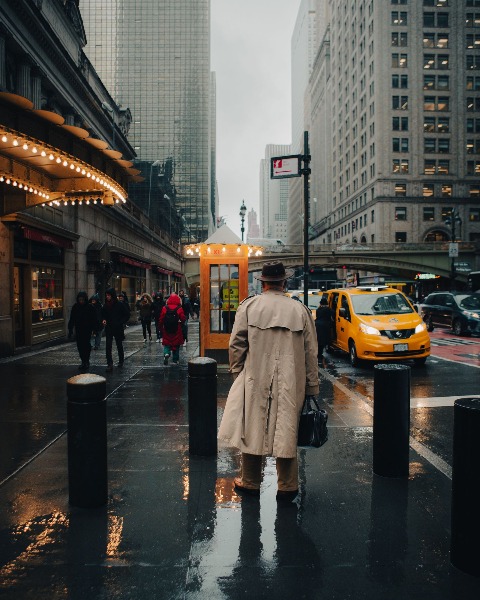
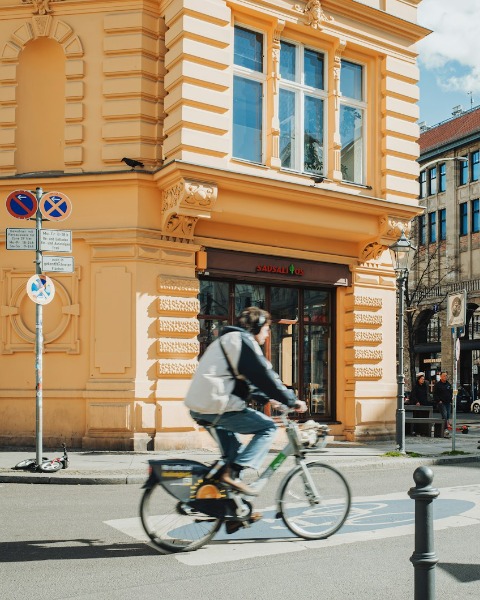
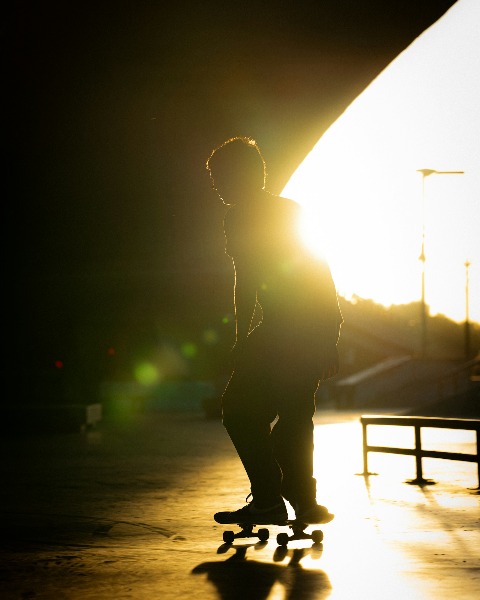
Edited together
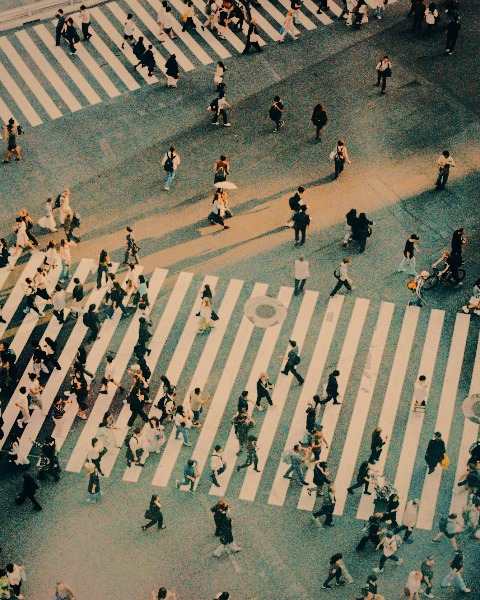
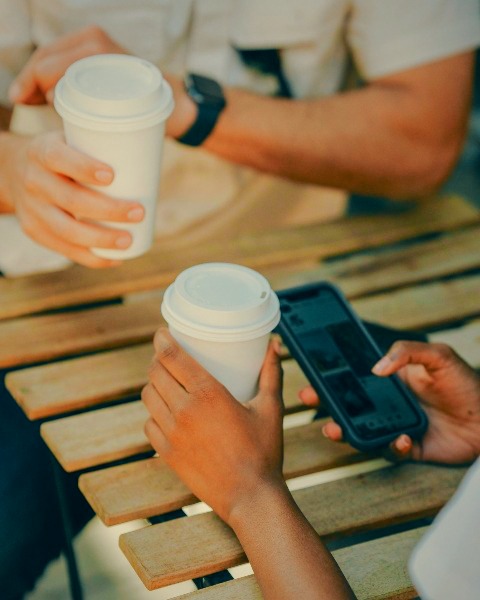
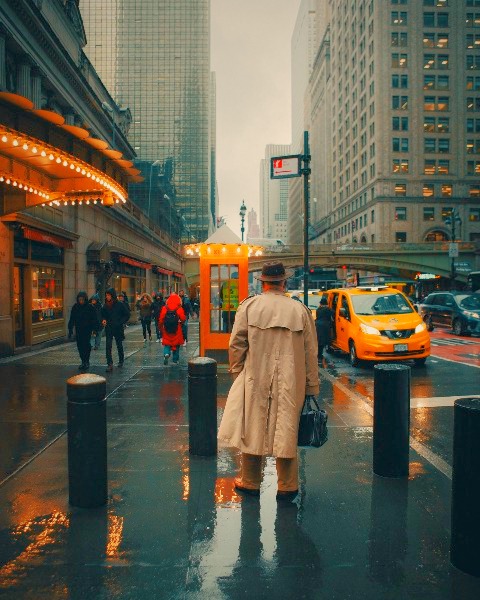
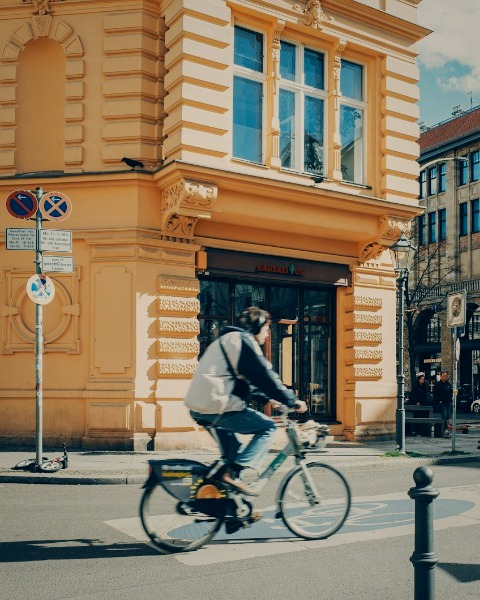
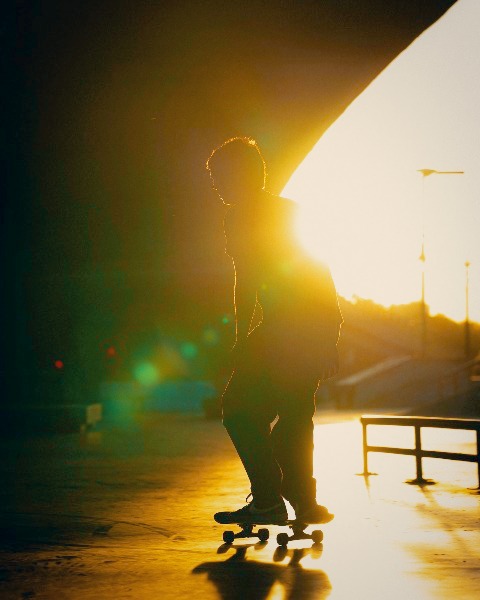
How to edit many photos together
- Drop up to 10 photos or videos, or send them from your phone by scanning a QR code.
- Choose a look and adjust: with All photos chosen, every slider moves the whole set.
- Switch to one photo to fine-tune it on its own, then export them all at full resolution.
Everything, for all or for one
18 looks
From natural to film, Flash, Disposable and Y2K Digicam, each with a strength slider and its parts to tune.
Every slider
Exposure, contrast, highlights, shadows, whites, blacks, temperature, tint, vibrance, saturation, fade, grain and vignette.
The whole set at a glance
A grid that fills the screen, each photo at its own shape; open one large or set two side by side.
Quality kept
Full-resolution JPEG or PNG, Display P3 colour and camera info kept, HDR kept for Ultra HDR photos.
Questions
How many photos can I edit at once?
Up to 10 photos or videos in a set. Each set is saved as a project in your browser, and you can keep several projects.
Can I edit videos with the photos?
Yes. A video gets the same look, lighting fix and colour match, can be trimmed and muted, and exports as an MP4.
Is the quality reduced?
No. Exports are full resolution, with Display P3 colour and EXIF kept.
Is it free, and are my photos uploaded?
Free, with no sign-up or watermark. No. Everything happens in your browser, on your device: the photos are edited and exported where they are, and SingleTone never receives them.
Free · no sign-up · nothing uploaded
Start editing